Here when you need help
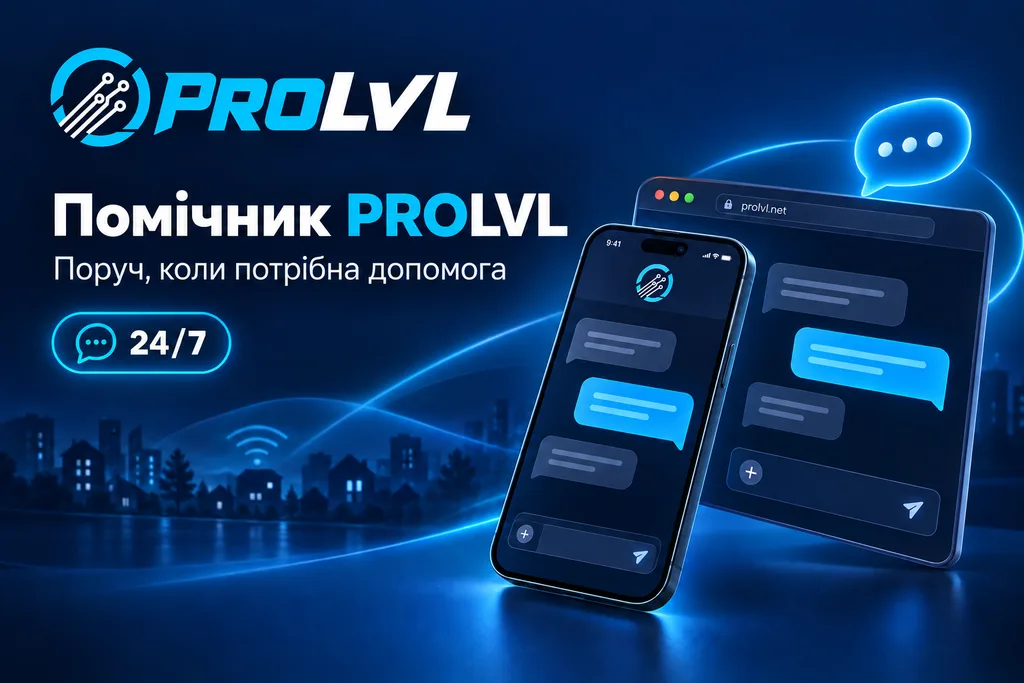
The PROLVL website has an AI-powered assistant. Describe what you need in your own words: “My internet is not working”, “How do I set up my router?” or “I want internet and TV”. The assistant replies in Ukrainian and helps you find the next step.
You do not need technical terminology or the right menu item. Start with what happened: the assistant asks follow-up questions and helps you work through the issue step by step.
What you can ask about
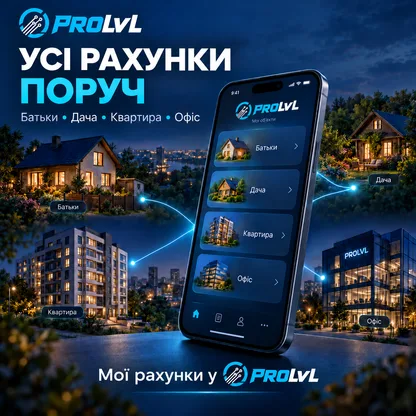
The assistant explains PROLVL plans and services, payment methods, OmegaTV and the “Мої рахунки” (My accounts) section. It helps with home internet checks and router setup, asking for the model where needed and suggesting steps. Within the conversation, it considers what you have already checked so you do not have to start over.
You can also prepare a request for internet, TV or another service in the chat. Review your details and confirm before sending. A staff member confirms availability, pricing and the date.
Try asking
- “Internet works over Ethernet, but Wi-Fi does not. What should I check?”
- “How can I watch OmegaTV on my television?”
- “How do I add my parents’ account to My accounts?”
- “I want to connect to the internet. How do I submit a request?”
When you need a staff member
Select “Передати оператору” (Send to an operator). Your issue description and conversation are passed on with the request, so you do not need to repeat everything. Check the description and contact details before sending.
A staff member may reply directly in the website chat or contact you using the details provided. Return to the same chat to see the reply.
The assistant is available around the clock. Staff respond daily from 09:00 to 18:00 Kyiv time. Requests left outside working hours can be submitted for review during working hours.
What to keep in mind
The assistant provides general guidance and can make mistakes. In the public chat, it does not check your balance or personal connection status, and it does not change your plan on its own. For personal account information, open your account portal.
Do not share passwords or one-time codes. Information about data processing is available under “Конфіденційність” (Privacy) in the chat. If a suggestion is unclear or does not help, ask for clarification or send your question to a staff member.
How to get started
Select “Допомога” (Help) on the website or open the assistant separately. The chat works on desktop and mobile. Briefly describe the situation and include the model when asking about a router.
Less searching, more clear next steps. The PROLVL assistant is here when you need help.